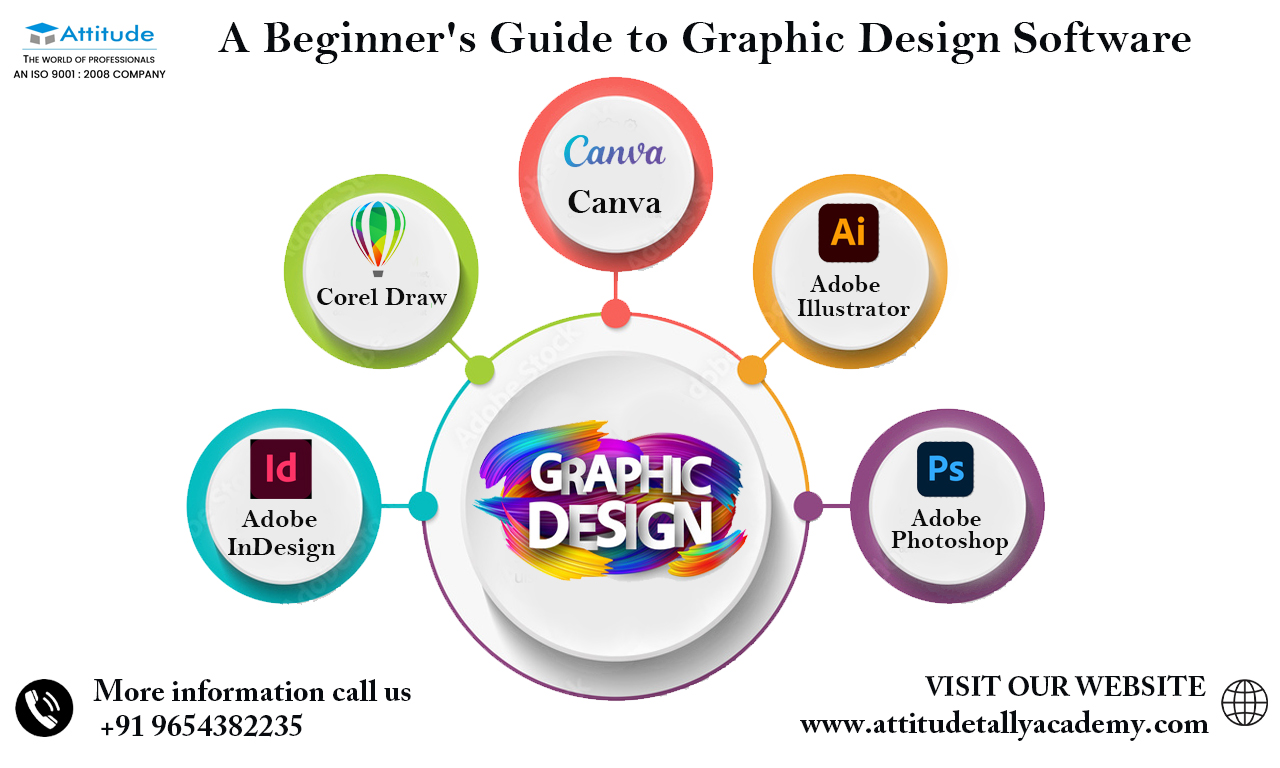
Top 5 Design Software Tools Compared: Features, Pricing, and Performance
When it comes to design software tools, the options can be overwhelming. In this comparison, we dive into the Top 5 Design Software Tools available today, analyzing their features, pricing, and overall performance. The following tools have secured their places as industry favorites:
- Adobe Photoshop
- Sketch
- Figma
- CorelDRAW
- Canva
Each of these design tools offers unique functionalities tailored to different user needs. For instance, Adobe Photoshop is renowned for its robust editing capabilities, while Figma excels in collaborative design environments. In terms of pricing, options range from subscription-based models like Adobe Creative Cloud to more affordable choices like Canva, making it accessible for individuals and small businesses. Performance can vary based on the complexity of the design projects and the user's expertise with the tool, so it's essential to evaluate each one based on your specific requirements.
Is Adobe Creative Suite Still the Best Design Software? An In-Depth Analysis
Adobe Creative Suite has long been synonymous with professional design software, offering a comprehensive toolkit for graphic designers, video editors, and web developers alike. With programs like Photoshop, Illustrator, and InDesign, Adobe has established itself as the go-to choice for creative professionals. However, with the emergence of numerous competitors and the shift towards subscription-based services, many are questioning whether Adobe Creative Suite is still the best design software available. This analysis will delve into the key features and limitations of Adobe's offerings in today’s dynamic digital landscape.
In evaluating whether Adobe Creative Suite remains the top choice for designers, it's essential to consider factors such as ease of use, cost, and collaboration capabilities. While Adobe has certainly maintained its robust feature set and updated its tools to include cloud-based functionalities, alternatives like Affinity Suite and Canva have gained popularity for their user-friendly interfaces and competitive pricing. As we explore these aspects in detail, it becomes evident that the answer to whether Adobe Creative Suite is still the best design software may vary depending on individual needs and preferences in the rapidly evolving design market.
Graphic Design Showdown: Canva vs. Adobe Illustrator – Which is Right for You?
When considering graphic design tools, the debate between Canva and Adobe Illustrator often comes down to user experience and project requirements. Canva is an intuitive, web-based platform that is perfect for beginners and those looking for a quick design solution. With its drag-and-drop interface and extensive library of templates and assets, users can easily create stunning visuals for social media, marketing materials, and more with minimal design experience. On the other hand, Adobe Illustrator is a professional-grade software renowned for its advanced features and precision, making it the go-to choice for experienced graphic designers and those needing intricate illustrations or branding elements.
Ultimately, the decision between Canva and Adobe Illustrator should consider the following factors:
- User Skill Level: Canva is great for novices, while Illustrator is ideal for seasoned designers.
- Project Complexity: For detailed vector graphics and customizations, Illustrator has the edge.
- Budget: Canva offers a free tier, while Illustrator requires a subscription.