Understanding Web Accessibility: Why It Matters for Everyone
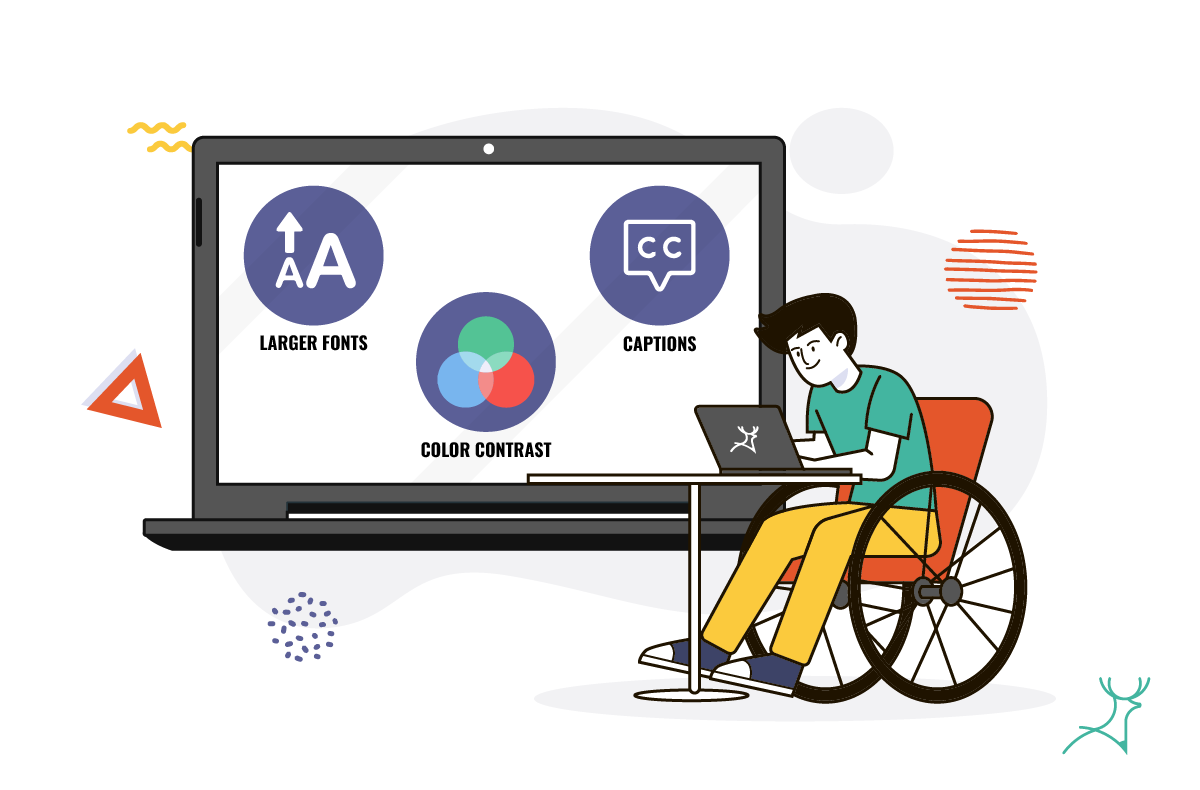
Understanding web accessibility is crucial not only for individuals with disabilities but for everyone. When websites are designed with accessibility in mind, they become more user-friendly for all visitors. This includes providing alternative text for images, ensuring proper color contrast, and using semantic HTML to aid navigation. By implementing these practices, web developers can create a more inclusive environment, where everyone has the opportunity to access information and services without barriers.
Moreover, web accessibility contributes to increased reach and engagement. According to estimates, over 1 billion people worldwide live with some form of disability, representing a significant portion of the population. By embracing accessibility, businesses can tap into this market, enhancing their brand reputation and potentially increasing their customer base. In addition, search engines favor websites that prioritize accessibility, making it a smart strategy for improving SEO performance and driving more traffic to your site.
Top 10 Tips for Creating an Inclusive Website
Creating an inclusive website is essential for reaching a diverse audience and ensuring that all users can access your content. Here are the top 10 tips for creating an inclusive website:
- Use clear, straightforward language to accommodate users with varying reading levels and cognitive abilities.
- Implement alt text for all images, allowing screen readers to convey the visual content to visually impaired users.
- Ensure contrast between text and background colors is sufficient to aid readability for users with visual impairments.
- Design for keyboard navigation so that users who cannot use a mouse can easily interact with your site.
In addition to these essential tips, it is vital to test your website with real users from diverse backgrounds, ensuring their feedback is taken seriously. Here are more tips to consider:
- Provide captions and transcripts for audio and video content, making it accessible for those who are hard of hearing or deaf.
- Offer multiple ways to contact you, catering to different preferences and needs.
- Regularly update your website to ensure accessibility practices evolve with changing standards.
- Promote inclusive design throughout your organization to foster a culture of accessibility and inclusion.
- Educate your team about inclusive practices to create a universally welcoming online environment.
Is Your Website Accessible? Key Questions to Ask
Ensuring your website is accessible is crucial not just for meeting legal requirements, but also for improving user experience. To assess your website's accessibility, start by asking yourself: Is my site usable for people with disabilities? Consider whether users with vision impairments can navigate your content easily. A 2019 study showed that over 1 billion people globally live with some form of disability, making accessibility a vital component of web design.
Next, evaluate your website's compliance with accessibility standards such as the Web Content Accessibility Guidelines (WCAG). Ask these key questions:
- Do all images have descriptive alt text?
- Can users navigate the site using only a keyboard?
- Is the color contrast sufficient to ensure readability?